 Android Engineers
PocketCook: Understand and Extend a Gemini Live Android App
Learn direct Gemini Live with Kotlin: run PocketCook, trace PCM capture/playback, fix a chunk-size contract with tests, handle interruptions and evaluate real-device voice.
Meet PocketCook and choose your learning track
Run, understand and extend a real voice companion.
PocketCook is a native Kotlin and Compose cooking companion. Local recipes and manual steps work offline. When you explicitly start voice, the app streams microphone audio directly to Gemini Live and plays spoken guidance. There is no Firebase dependency. You will understand that boundary, trace the implementation, make a tested change and evaluate failures.
The app you will work on
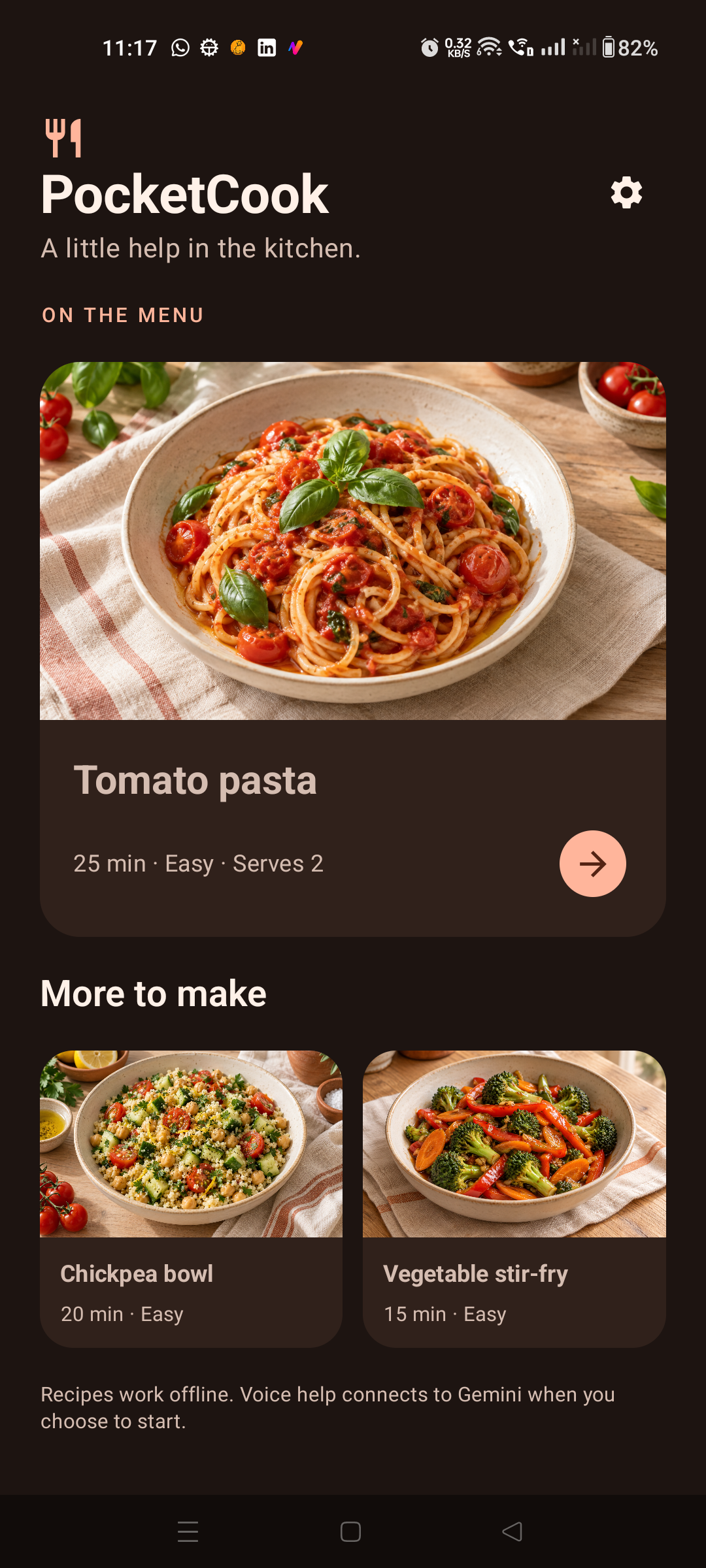
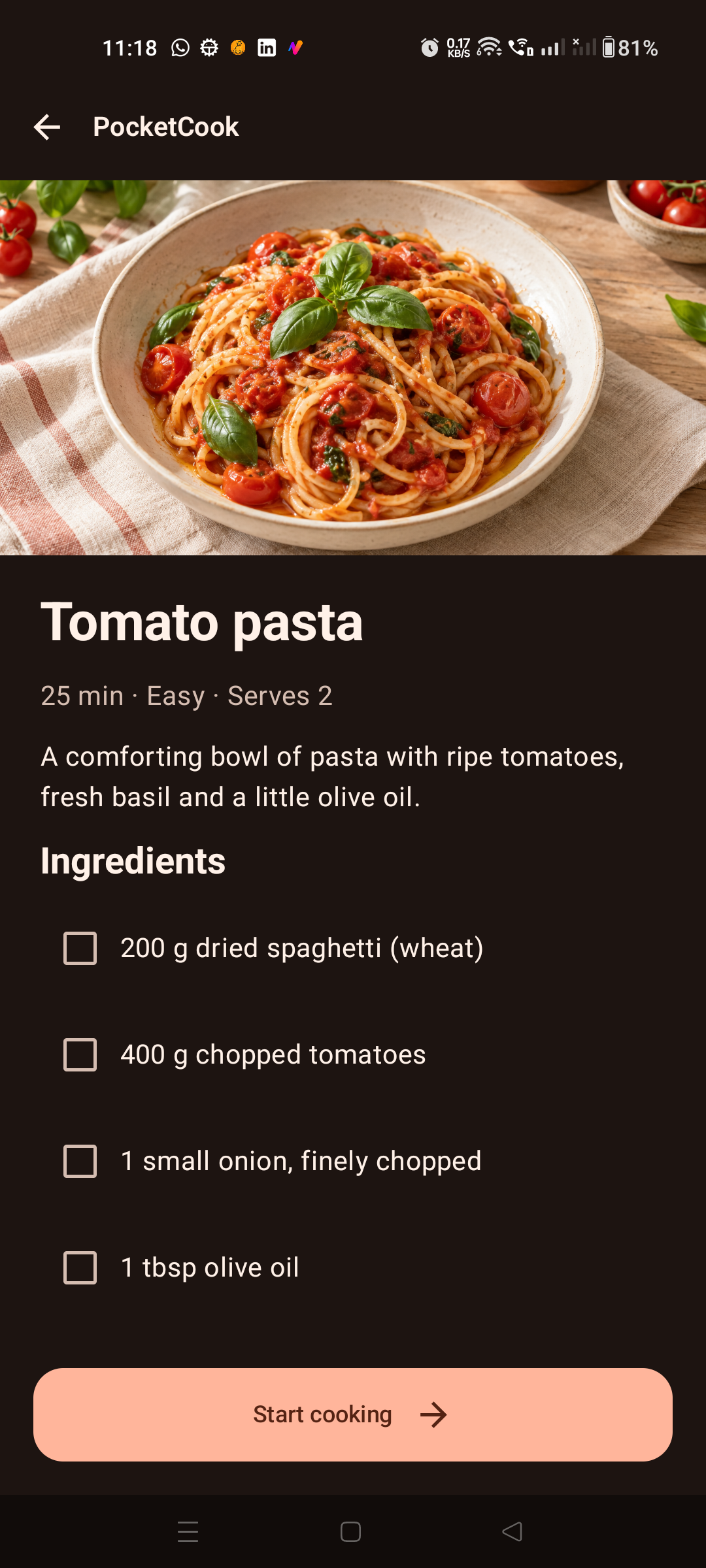
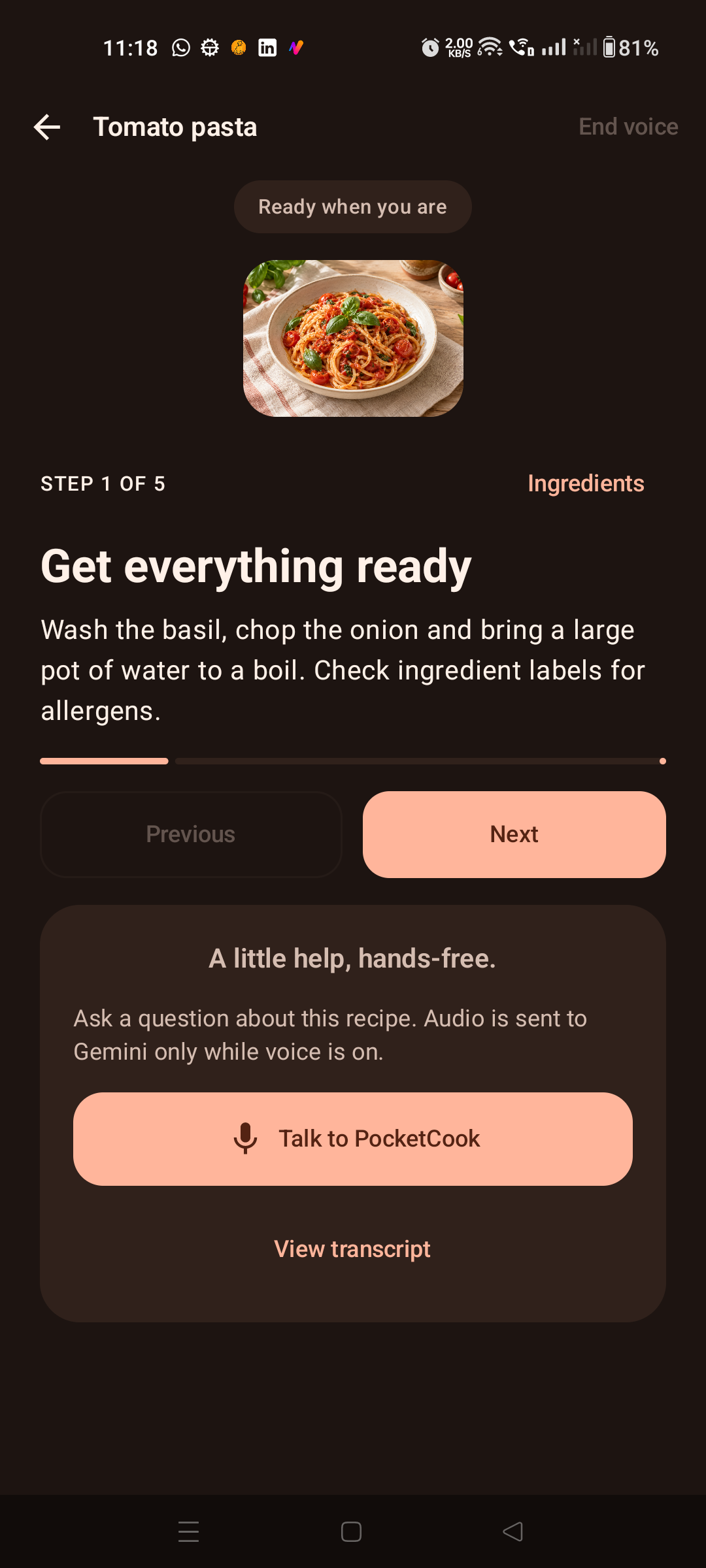
Full portrait captures from PocketCook on a physical Android phone. The cooking screen shows the state before starting voice.
Completed baseline, not an empty starter
This lab starts from commit 60d86c9. Reading sections name the files to inspect; the configurable-chunk exercise is a code change you implement and test. There is no separate starter branch. Tools, timers, camera sharing, session resumption and a production token service are outside this baseline.
Prerequisites
- Basic Kotlin, Compose, ViewModel and coroutine cancellation knowledge.
- Git, Android Studio, JDK 17, Android SDK 36 and Build Tools 36.0.0.
- An API 26+ device; use a physical phone for audible voice and an isolated emulator for the full device suite.
- A project-owned Gemini API key and access to the selected Live model for cloud tasks. Usage may incur charges.
- Allow 4–6 hours plus setup and debugging. Offline reading and tests work without a key after dependencies download.
Step 1 of 11. Your progress is saved in this browser.