 Android Engineers
PocketCards: Understand and Extend an Android AI App
Learn AI fundamentals through a real Kotlin app: clone PocketCards, configure Firebase, generate grounded flashcards, trace MVVM state, and implement a tested validation improvement.
What you are building and learning
Understand the complete notes-to-study flow before opening the IDE.
PocketCards turns your study notes into editable flashcards using Gemini through Firebase AI Logic. You will run the app, trace its implementation, enable real inference, make a test-first validation improvement, and verify failures. The goal is to understand why the code works and where its guarantees stop.
Meet PocketCards
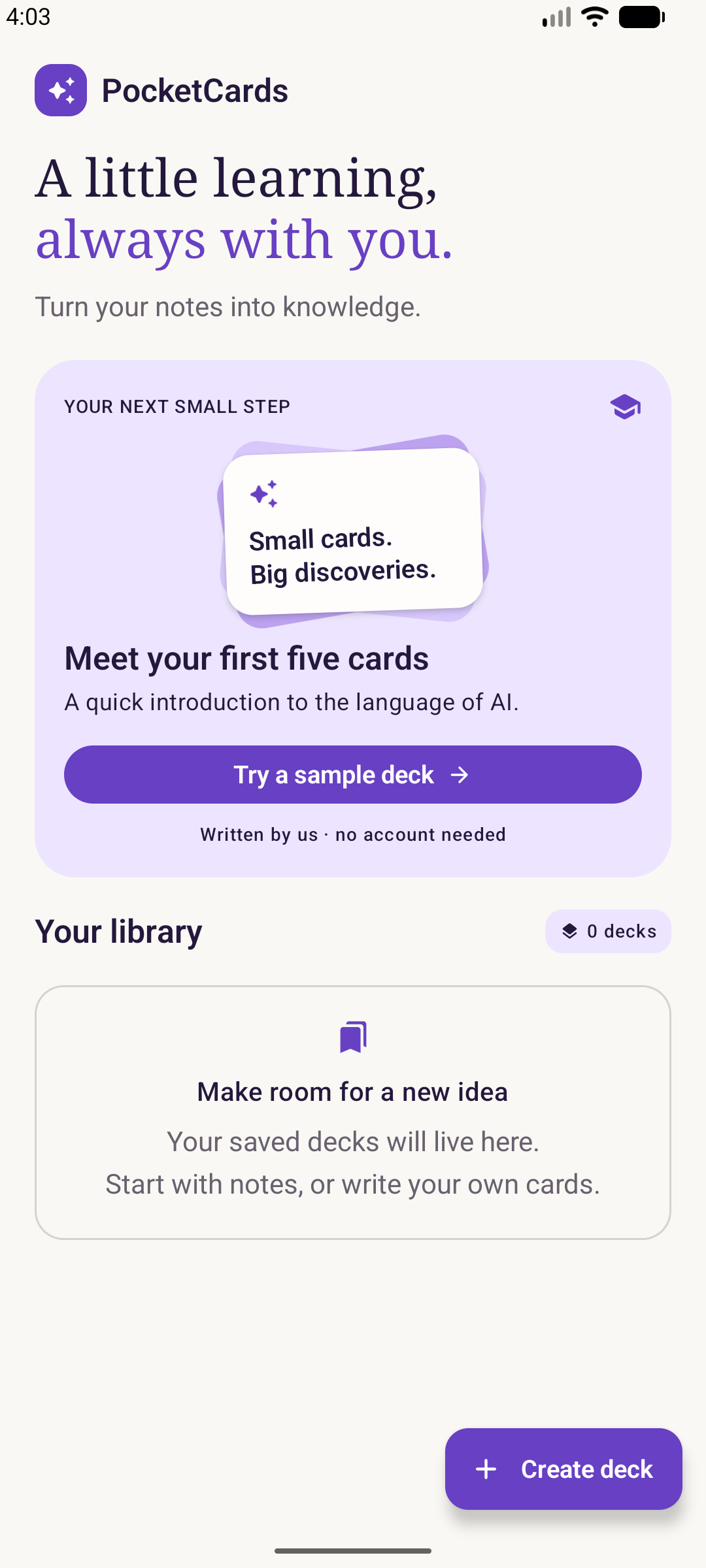
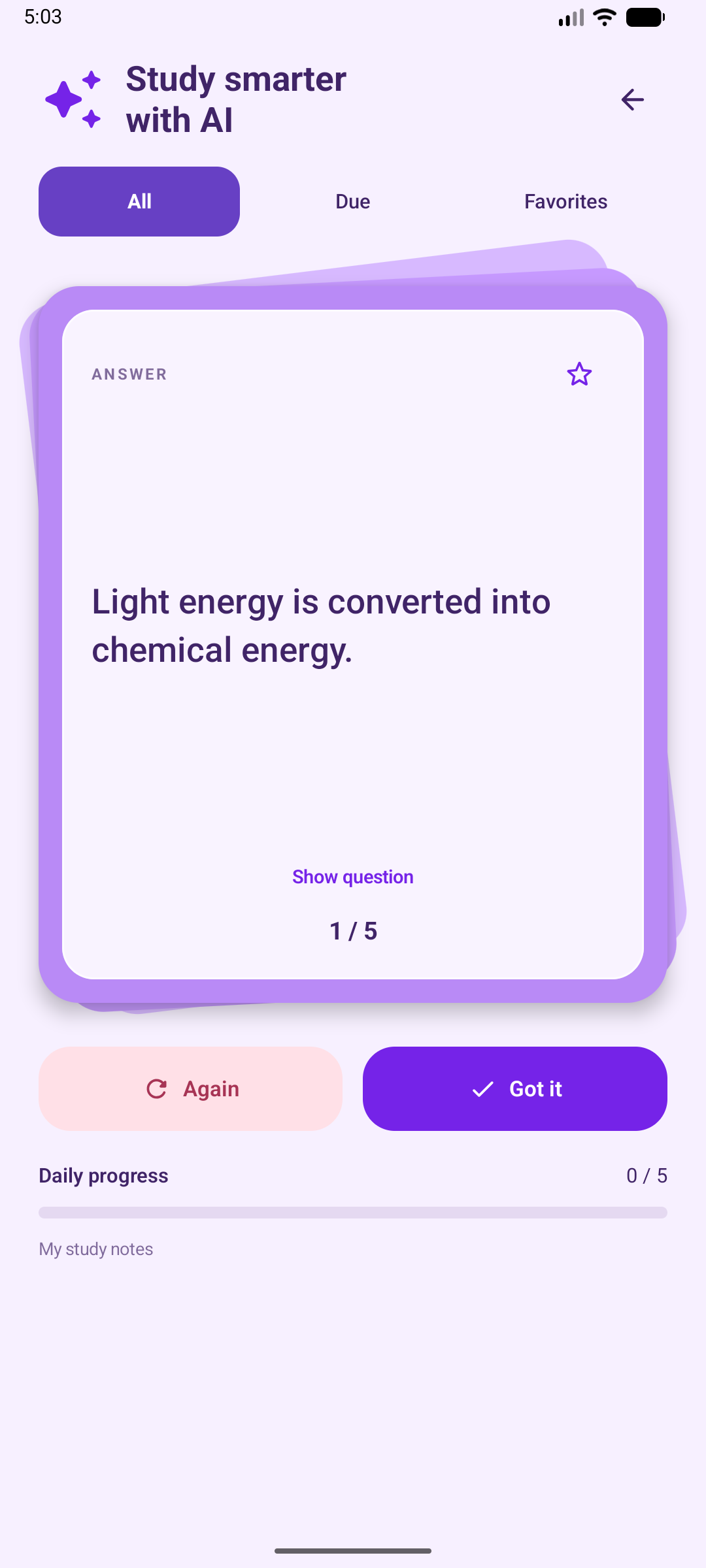
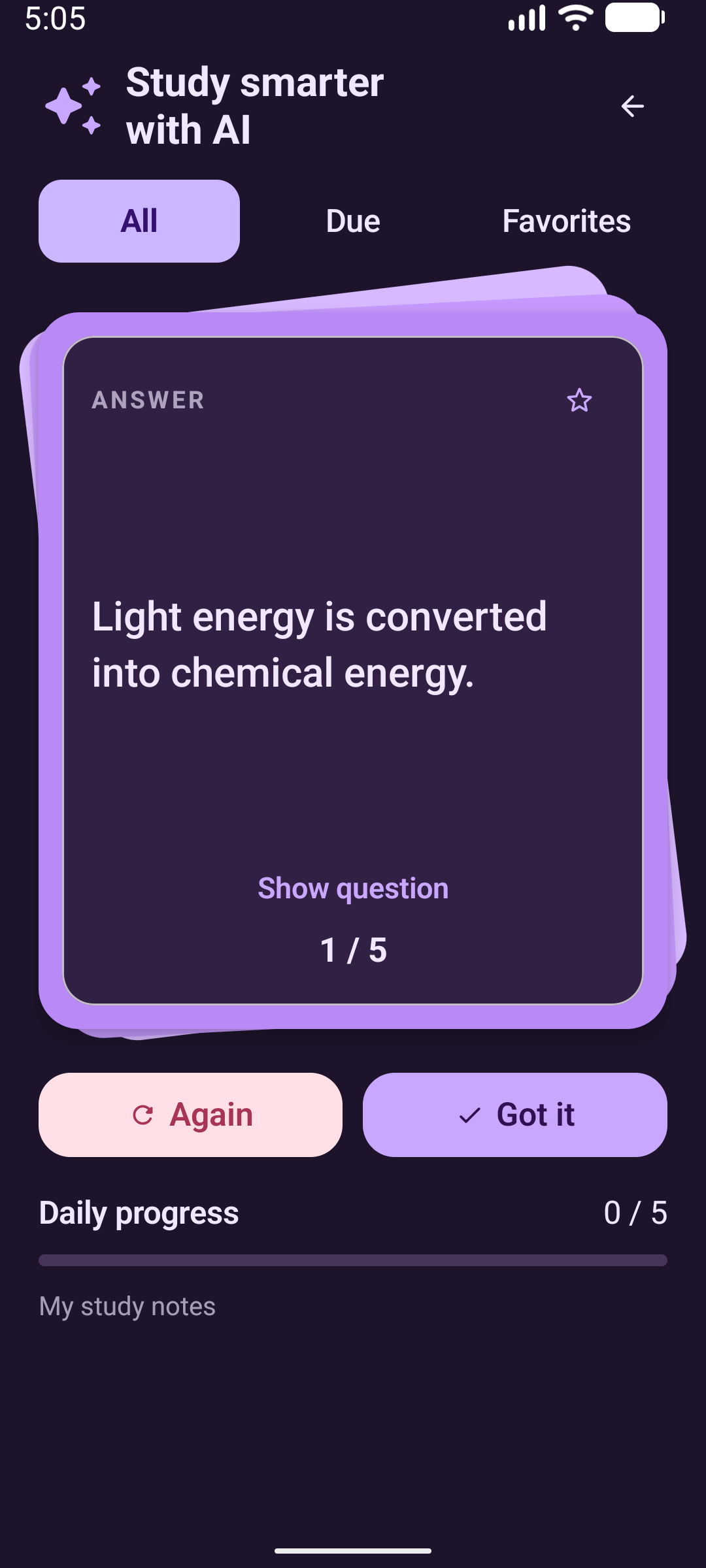
Baseline, not an empty starter
This codelab starts from the completed sample at commit c527701. There is no separate starter project. Reading exercises are explicitly labeled; the duplicate-validation exercise is a real code change you implement and test.
By the end you can
- Distinguish a model request from manual cards and fake-backed tests.
- Explain prompting, structured output and local validation.
- Trace Compose → ViewModel → adapter/repository and handle cancellation.
- Configure your own Firebase project without publishing configuration or debug tokens.
- Verify save failures, last-card completion and source-supported answers.
Plan for 4–5 hours, including experiments. You need basic Kotlin, Compose and coroutines, Git, Android Studio, JDK 17, Android SDK 36 / Build Tools 36.0.0, and an API 26+ device. Firebase is needed only for cloud generation; the manual path and unit tests work without it.
Step 1 of 12. Your progress is saved in this browser.